Liam – A Master of Project Execution
Intelligent - Structured - Reliable


Built on an enhanced project environment powered by Microsoft Teams and Planner Premium, Liam helps you transform the way you start, manage and deliver your projects.
The reason Liam is so effective, is because PMO4Teams provides the foundation.
LIAM
Liam brings intelligence into your projects:
- provides transparency across all projects
- supports decision-making
- connects planning, execution, and reporting
PMO4TEAMS
PMO4Teams provides the structural backbone for every project:
- standardized project environments
- Without structure, there is no control.
- automated project setup
SOLUTION LAYER
The Solution Layer makes projects truly manageable by adding:
- Changes – track and evaluate modifications
- Issues – manage open topics proactively
- Risks – identify and mitigate risks
- Budget – plan and control project costs
What PMO4Teams Does
PMO4Teams creates a fully configured project environment — instantly.
Project rooms
“Every project team needs its own secure space in which to plan and manage its project.”
Create a fully equipped project room at the touch of a button that contains the following elements in addition to the familiar standard functions of MS Teams.

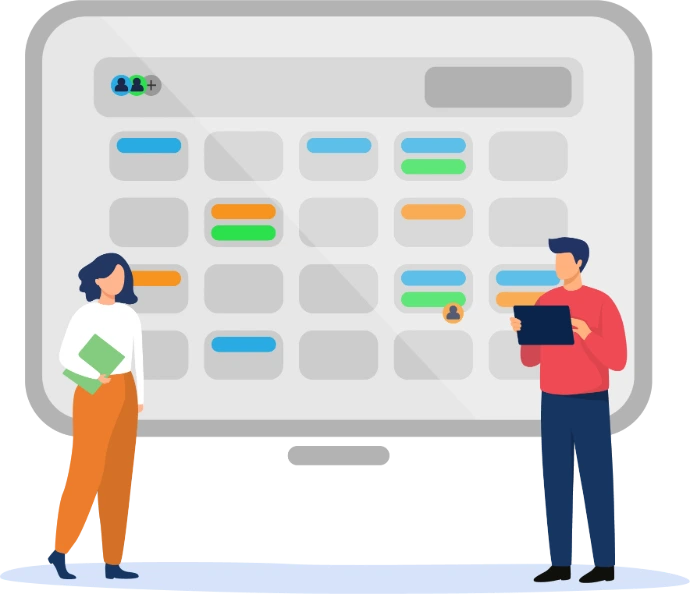
Project calendar
“A project without meetings? Unthinkable!”
We consider meetings to be an integral part of every project and as such they should be recorded as activities in the project plan. This schedules them, defines the participants as resources and documents the time required.
Project plans
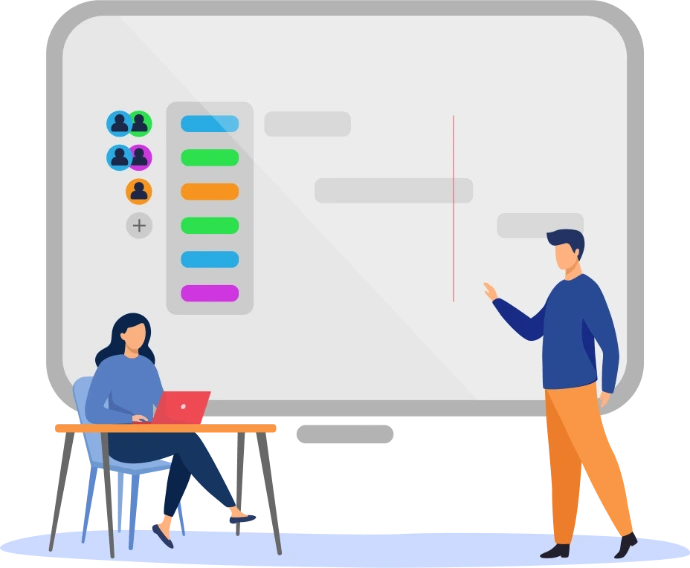
“A core element of every project is the project plan. All assumptions, objectives and plan values are recorded and structured in it.”
With PMO4Teams, we make it easier for you to create and edit project plans in Project for the Web, e.g. regarding the allocation of resources.
Project website
“Communication with stakeholders has a decisive influence on the success of a project.”
With PMO4Teams, we provide you with a turnkey project website for every project. In addition, each project website is automatically linked to a hub page of your choice, in which the contributions from all projects are summarized..

Project controlling
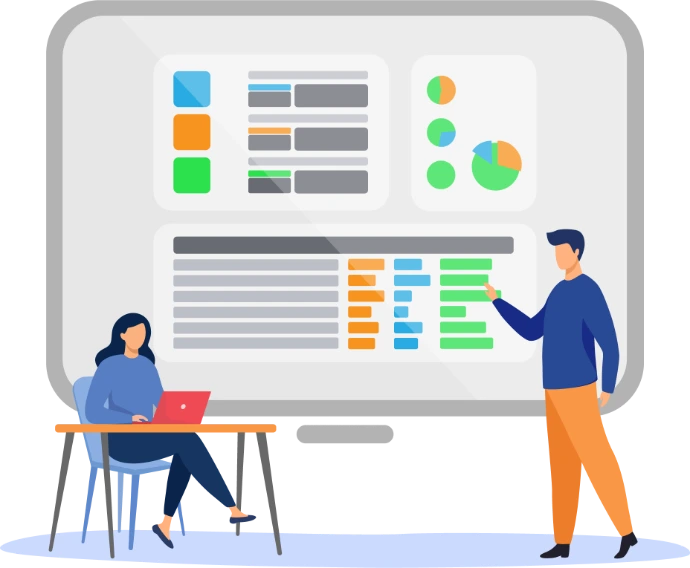
"Being able to provide current and accurate information about your projects at any given time, without having to scramble is incredibly reassuring".
A key prerequisite for successful projects is the availability of relevant and up-to-date information on the status of the project in the form of comparative data and various key performance indicators (KPIs), which we can use to assess the progress of the project.
What the Solution Layer Adds
This is where most systems fall short — and where our solution stands out.
Change management
“The only certainty in project management is that things will change.”
Planner Premium does not offer any functions for documenting and tracking changes as standard.
We have integrated this function via our Solution Layer so that you can document, track and evaluate all changes in the project.
Issue management
“Loose ends are annoying. If we don't tie them down, they become tripping hazards”
Open issues in a project are not only annoying, they can grow into real risks if they remain unrecognized.
With the open issues list, you always have your open issues in view and under control.
Risk management
“The occurrence of a risk in the course of a project is as sure as the sun rises in the east“
Our solution layer allows you to document and evaluate identified risks.
Also you take appropriate measures to mitigate or avoid the risk so that you can document and track all measures in the project.
Budget management
“What characterizes project costs is that they cannot be met.”
The PMO4Teams solution layer not only allows you to plan and control your project budget, it also makes it easier for you to work on the budget.
It calculates the time-related costs based on the planned effort per activity in the project and the respective hourly rate of the assigned resource and automatically enters these into the budget table.
In addition, material costs and other costs can be assigned to individual activities in the project so that the cost history can be planned and tracked alongside the cost total.
The next step
If you want to see how I can support you in the day-to-day project environment in a structured and reliable way, get to know me in PMO4Teams.